
Matching a baby's evolving sleep needs to an app that actually adapts routines and offers day-to-day tracking is difficult. Most sleep training apps only offer fixed schedules or generic advice that does not adjust for age, caregiver sharing, or detailed tracking. This comparison explains pricing, guidance depth, and shared care features so parents and caregivers can choose the best app for their baby's sleep needs.
Table of Contents
Mellow Kids
At a Glance
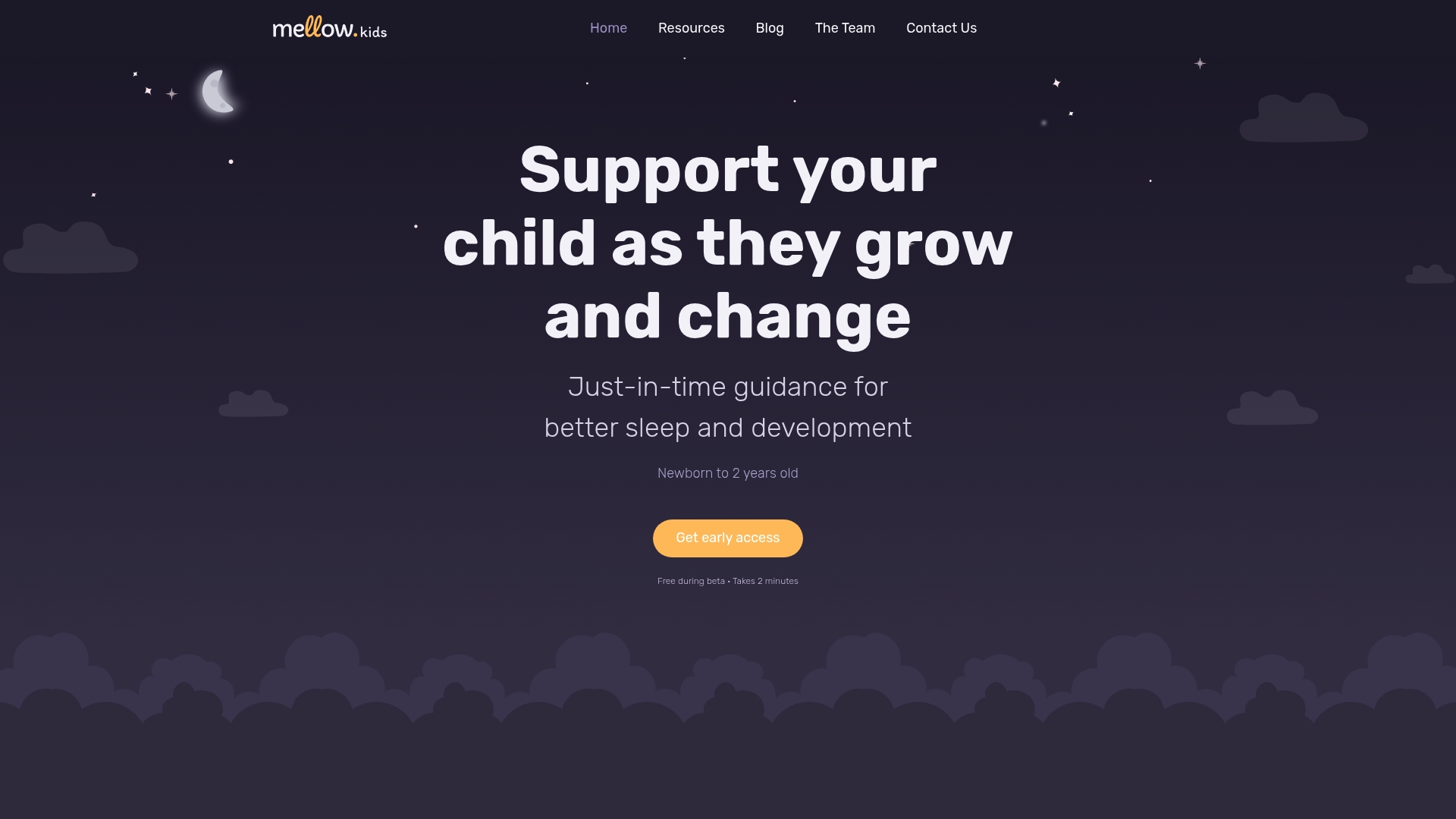
Free during beta, Mellow Kids targets parents of newborns through age two with stage-specific support. If you are comparing the best sleep training app alternatives, this community centers guidance on age, temperament, and daily rhythms. The platform pairs short guides with tracking tools parents can use at home.
Core Features
The site describes its guidance as evidence-based. It delivers sleep schedule planning tools and a child temperament assessment alongside age-tailored sleep guides for newborns and toddlers. Members can track feeds, diapers, and sleep patterns while accessing educational resources and a book series that expand on step-by-step strategies.
Key Differentiator
Personalized, evidence-based guidance paired with practical tracking tools sets Mellow Kids apart for the 0-to-2 age window. That focus means advice anticipates developmental milestones and common transitions instead of only reacting after problems appear. The combination of planning and temperament insight helps parents match strategies to their child’s current stage.
Pros
Mellow Kids offers guidance specific to newborns and toddlers, so parents do not have to translate adult sleep advice for infants. Tracking tools let caregivers log feeds, diapers, and naps to spot patterns over days. Educational books and stage-specific Sleep Guides give extra depth when a problem needs more than a tip. Free access during beta makes the community and resources available without upfront cost.
Cons
- Limited to children up to two years old, so parents seeking help for older toddlers or school-age children will need a different community or resource.
Who It's For
Parents and caregivers of newborns and infants who want age-specific help with sleep and early development will find this community useful. It fits people who prefer concrete routines, simple tracking, and reading material that explains temperament and stage-based adjustments. Caregivers planning for milestone transitions will benefit from the forward-looking approach.
Unique Value Proposition
Free beta access combined with stage-focused tracking changes how parents plan daily care and sleep. Rather than generic sleep tips, Mellow Kids offers timed guidance tied to a child’s age and temperament. That means parents can prepare before a regression or milestone, use recorded rhythms to test a strategy, and consult deeper resources when challenges persist.
Real World Use Case
A parent notices shorter naps after a three-month sleep regression. They log naps and feeds, complete the temperament assessment, and receive stage-specific strategies and a short Sleep Guide. Over a week they adjust nap timing, check progress in the tracker, and consult the book series for reassurance and practical next steps.
Website: https://mellow.kids
Huckleberry
At a Glance
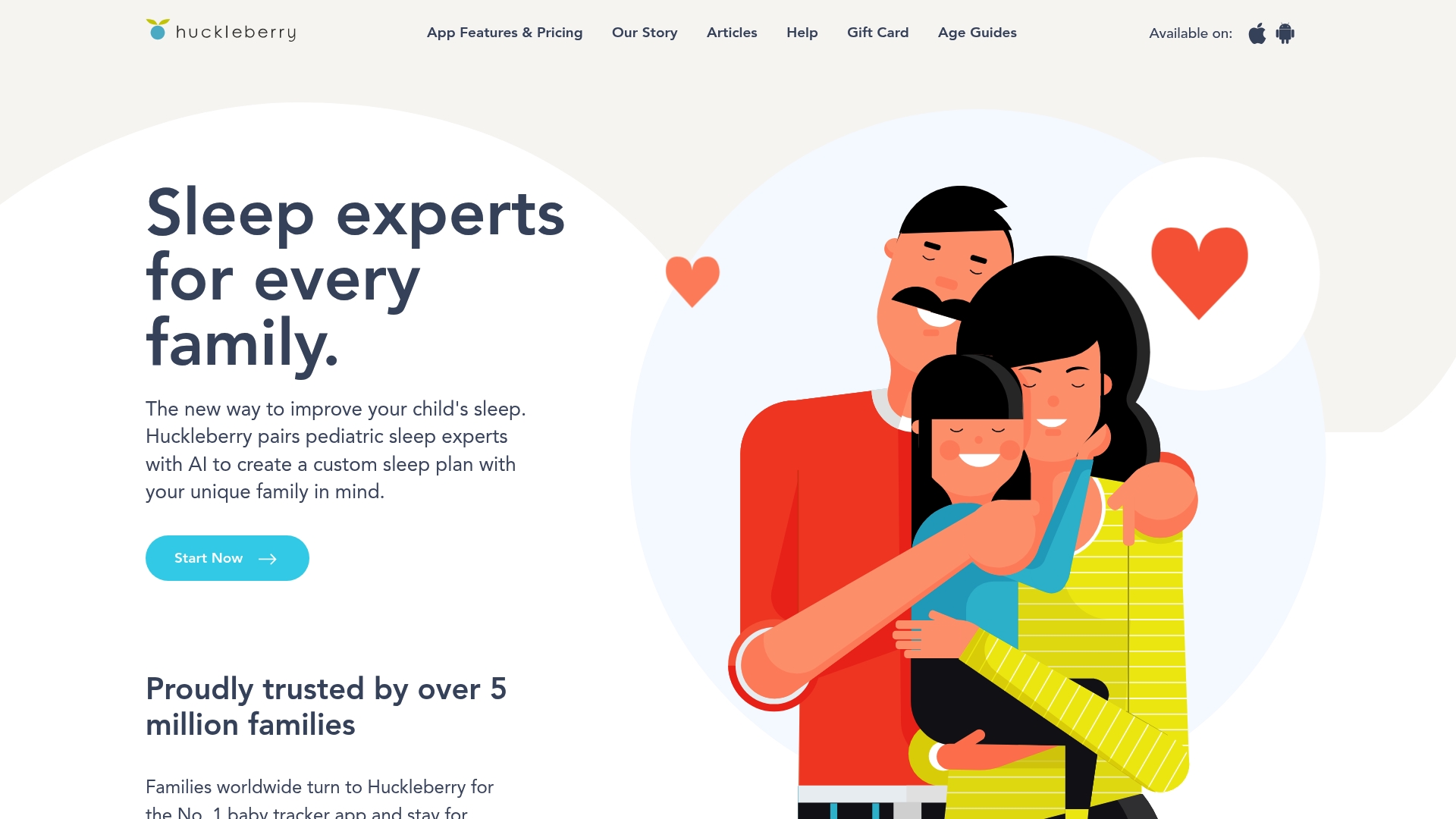
Huckleberry reports being trusted by over 5 million families, and advertises a 4.9/5 rating across more than 68,000 reviews. The app pairs pediatric sleep experts with AI to generate tailored sleep plans and predictions. Parents will find both tracking and on-demand guidance in a single mobile app.
Core Features
The app uses AI powered personalization to create sleep plans and predictions, and offers customizable tracking for sleep, feeding, diapers, and activities. It includes expert guidance on sleep and developmental milestones and an always available chat assistant called Berry for parenting questions. SweetSpot® technology provides nap and sleep window recommendations that adjust as your child’s routine changes.
Key Differentiator
Huckleberry combines pediatric expertise and automated personalization so parents get both human informed guidance and machine adjusted plans. That pairing aims to reduce guesswork around naps, bedtime, and feed windows while keeping recommendations aligned with developmental milestones.
Pros
Huckleberry’s interface makes routine tracking straightforward and supports multiple children and caregivers in one account, which helps families share data without extra steps. The app offers expert authored guidance alongside automated plan updates, and the AI chat provides rapid answers when parents face a disrupted night or a new milestone. The availability of a free tier plus tiered paid memberships gives families a way to try core features before subscribing.
Cons
- Premium features require a subscription which may feel costly for some families.
- Initial setup and customization can take significant time before the plan yields useful predictions.
- The app’s effectiveness depends on regular tracking and parental engagement, which not all households sustain.
When It May Not Fit
Families who want a completely free tool with no commitment will find key features locked behind paid tiers. Households that prefer minimal daily input may struggle with the tracking demands that support the personalized plans. Those seeking offline or clinician led sleep therapy instead of app guided plans should look elsewhere.
Notable Integrations
- App Store
- Google Play
These integrations reflect mobile availability for iOS and Android devices rather than third party data syncs.
Who It's For
Parents and caregivers of infants and toddlers who want tailored sleep and developmental guidance delivered on a phone will get the most from Huckleberry. It suits caregivers willing to log sleep and feeds regularly and who want expert informed recommendations without booking in person consultations. Care teams that need shared access across caregivers will value the multi user tracking.
Real World Use Case
A parent logs daytime feeds and sleep for a three month old and receives a custom bedtime and nap schedule that adapts as the child’s sleep consolidates. When a growth spurt disrupts nights the parent consults Berry for quick guidance and minor plan tweaks. Over several weeks the family sees more consistent naps and fewer short night wakings according to their logs.
Pricing
Huckleberry has a free tier and two paid annual plans. The Plus plan costs $5.74/month billed annually and the Premium plan costs $9.99/month billed annually. The tiered model lets families evaluate basic tracking before moving to full personalization and guidance.
Website: https://huckleberrycare.com
Lovebug App
At a Glance
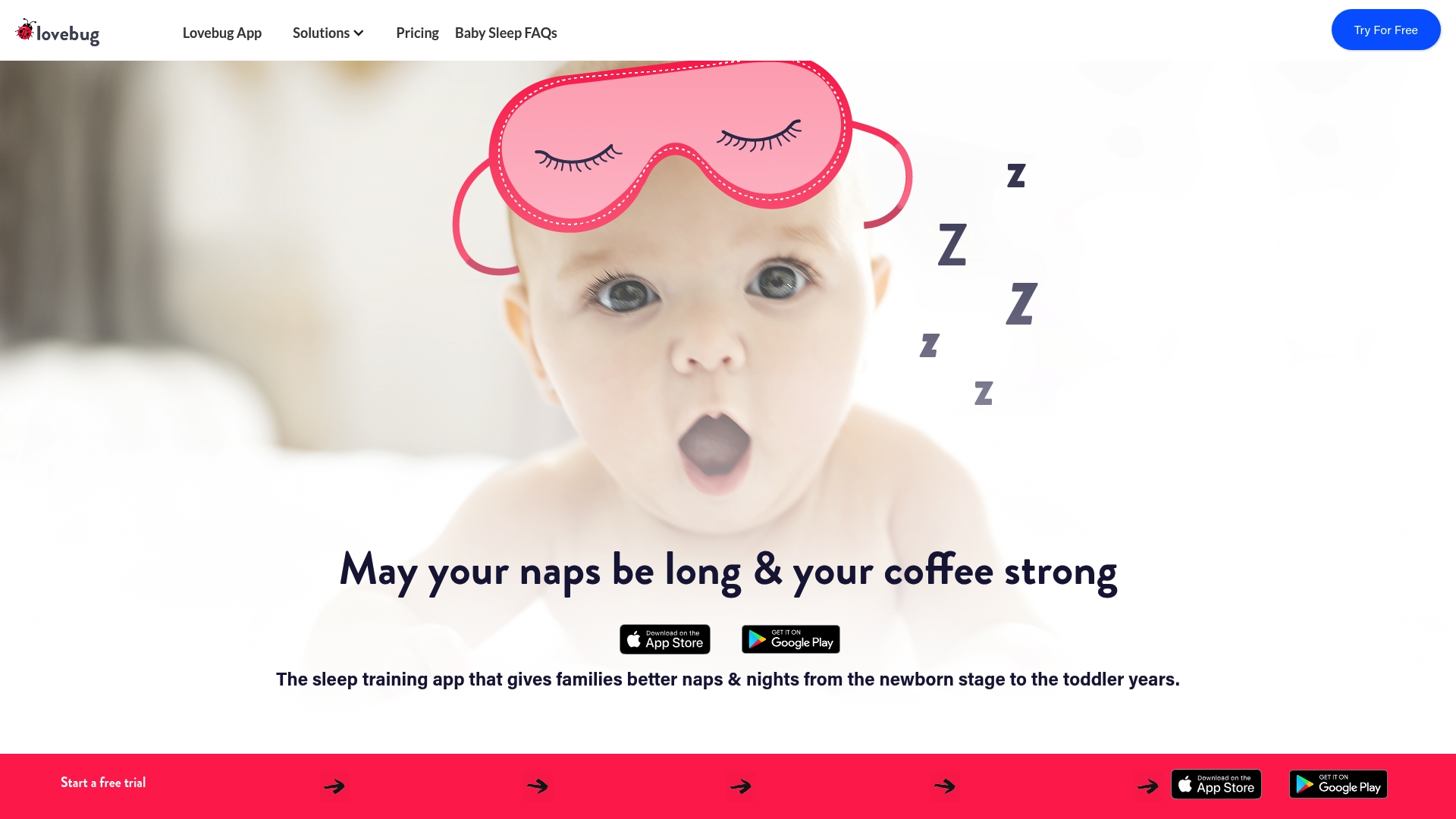
Lovebug App reports its algorithm analyzes over 40 sleep metrics to tailor schedules as a child grows. The app is FSA and HSA eligible and runs on iOS and Android. It also supports syncing sleep plans across caregivers to keep routines consistent.
Core Features
Lovebug combines personalized sleep schedules with expert-led bite sized video lessons and daily sleep analysis. The app supports several training approaches, including limited crying, chair, interval, and extinction methods, and offers one to one consultation options via in app messages. It also provides monthly guidance for regressions and developmental transitions while keeping caregiver plans synchronized.
Key Differentiator
Lovebug’s main strength is its emphasis on data driven schedule adjustments. The vendor advertises an algorithm that tracks dozens of metrics and adjusts plans as a child develops. That claim makes Lovebug a strong fit for families who want rules guided by measurable patterns rather than fixed timetables.
Pros
Lovebug delivers adaptive, individualized schedules that adjust as your baby’s patterns change, and the app pairs that algorithm claim with practical education through short expert videos. It supports the full care team by syncing plans and notifications for partners, sitters, and grandparents. The app works on both major mobile platforms and has FSA and HSA eligibility, which can reduce out of pocket cost for some families.
Cons
-
Live coaching and some support features carry additional costs or are limited on free plans.
-
The app requires consistent logging of sleep and activity for the schedule personalization to perform best.
-
Prices for sleep consulting and extended support may feel high for families on tight budgets.
When It May Not Fit
Families who prefer in person sleep coaching will find Lovebug less suitable because it focuses on app driven guidance and remote support. Households that cannot or will not log sleep and feed data regularly will not get the full benefit. Those seeking only a free tracker may outgrow the free tier when they need coaching features.
Who It's For
Parents of infants and toddlers who want a science influenced, app centered approach to sleep training will like Lovebug. It fits families who value measurable adjustments, need caregiver coordination, and prefer short instructional videos over long text guides or clinic visits.
Real World Use Case
A family sets up Lovebug for their four month old and logs naps and feedings daily. The app adjusts nap windows and night routines as it detects growth and a regression. Babysitters and grandparents receive the same plan, which keeps the child’s sleep pattern consistent. The family reports longer stretches of sleep after a few weeks of synced care and adjusted timing.
Pricing
A free tier covers basic activity tracking. Paid tiers include Schedule plan at $9.99/month, Essentials at $14.99/month, and All Access at $49.99/month. Live coaching and some consultations are billed separately.
Website: https://getlovebug.com
Napper
At a Glance
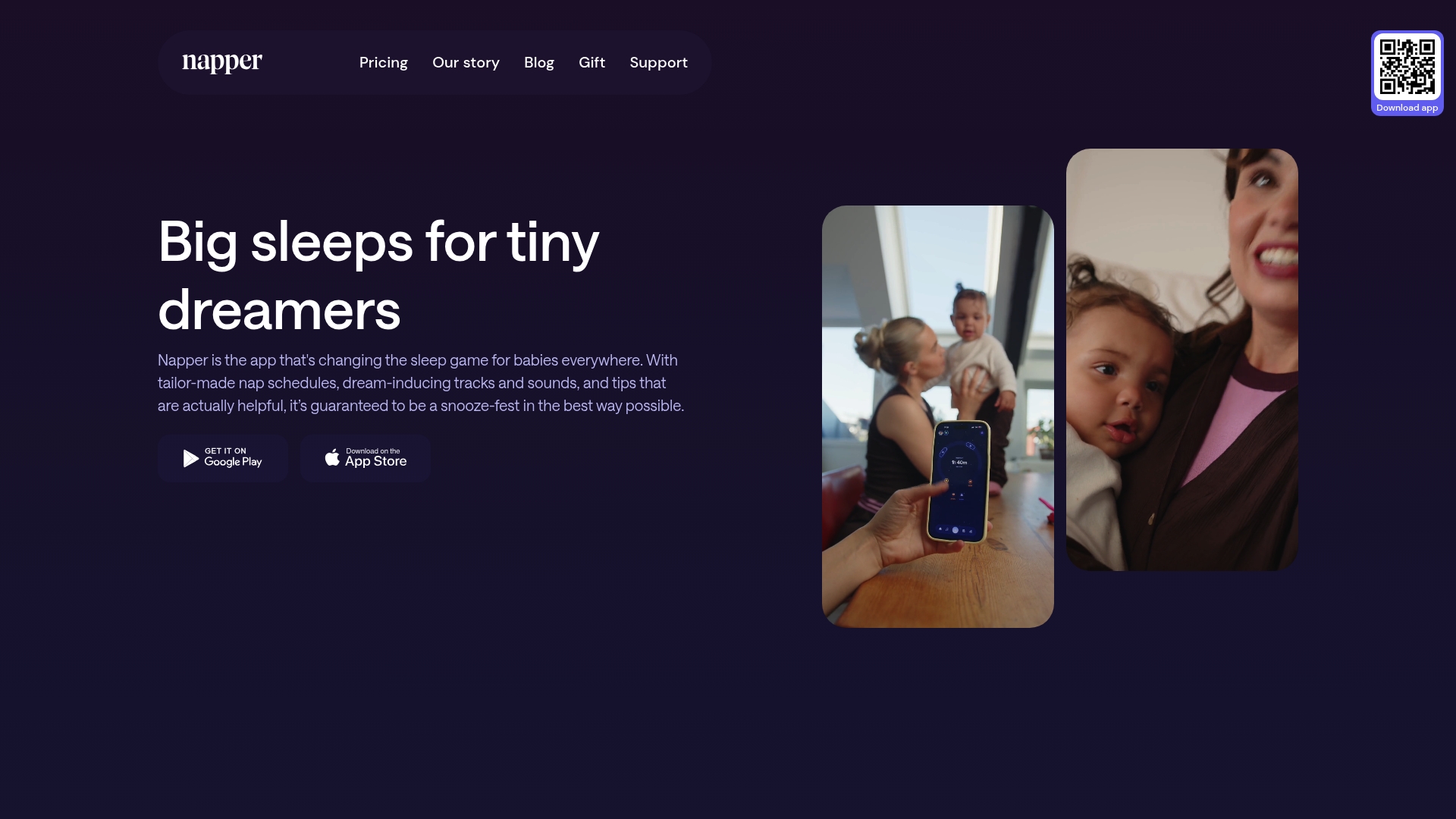
Napper reports more than 35,000 five star reviews and a 4.9 star average rating, with Apple naming it Editors' Choice and App of the Day. The app offers a seven day free trial for new users and targets daytime nap routines as well as night wakings. Parents searching for the best sleep training app alternatives often try Napper for its schedules, sounds, and resources.
Core Features
Napper builds tailor made nap schedules from a baby's age and recent sleep patterns, so parents get a recommended daily plan. It delivers sleep analysis with personalized recommendations and in depth trend reports that show daily and weekly patterns. The app also includes a large library of sleep sounds, tracking tools, and tips aimed at reducing night wakings.
Key Differentiator
The vendor describes its schedules as scientifically backed and tailored to each baby. That claim pairs age based timing with integrated sleep sounds and behavioral tips inside the same app. That combination targets both daytime nap timing and night waking reduction.
Pros
Parents report accurate, personalized schedules that adapt to age and shifting nap patterns, and the interface makes setting routines quick. Sleep tracking provides detailed charts and weekly trends, which help spot short naps and waking patterns without manual spreadsheet work. Built in sleep sounds and tips offer practical ways to soothe a baby and reduce night wakings while parents try schedule adjustments.
Cons
- Pricing may be a barrier for some families. The subscription cost is $69.99 yearly after the seven day trial.
- Limited integrations are listed. The vendor mentions mobile app compatibility but not cross platform syncing or third party tools.
- Accuracy depends on regular user input. Some reviews note lower accuracy when entries are inconsistent.
When It May Not Fit
If your budget is tight, the subscription price may be prohibitive for ongoing use. Homes that need smartwatch or nursery device integration may find limited compatibility. Parents who prefer fully automated tracking without manual entries will find accuracy drops unless they update sleep logs regularly.
Who It's For
Parents of infants and toddlers who want age based schedules and data to guide daytime naps will benefit most. Those comfortable entering sleep times and checking trend reports will get the best results.
Real World Use Case
A parent sets Napper to build a daytime nap schedule for a six month old, tracks naps daily, and plays sleep sounds at nap time. Weekly trend reports reveal short afternoon naps, prompting a timing shift that parents then test to reduce night wakings. The app combines sound playback, logging, and schedule suggestions in one mobile workflow.
Pricing
Napper charges $69.99 yearly and offers a seven day free trial for new accounts. The company does not list monthly or family tier options publicly.
Website: https://napper.app
Parent Sense App
At a Glance
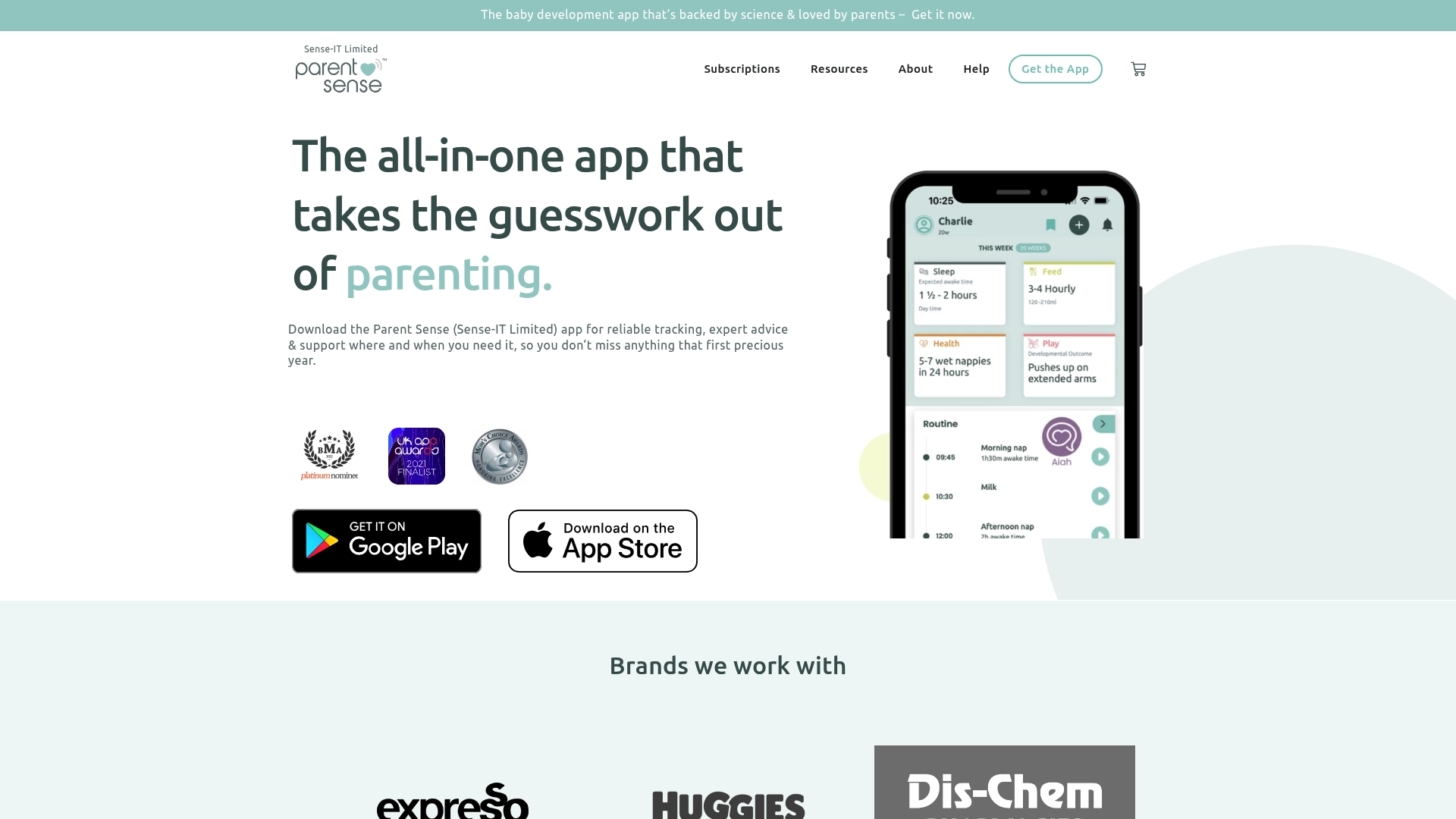
Supports multiple births and premature babies while offering age-specific routines and tracking across sleep, feeding, and development. Parent Sense's marketing materials state the app is backed by scientific research and Meg Faure's expertise, and the company advertises that the app is highly rated and award-winning. That combination of multi-baby support and age-tailored routines is the clearest single claim from the product data.
Core Features
The app centralizes sleep tracking, feeding schedules and recipes, and health and vaccination records into a single timeline. It also delivers personalized routines and daily prompts that change with the baby’s age, plus expert articles and play activities tied to developmental milestones. Multi-user accounts and explicit support for multiple babies and premature infants make the tracking usable for caregivers sharing duties.
Key Differentiator
The main distinction is routine tailoring by exact age combined with broad tracking across care areas. That claim separates Parent Sense from simple timers or single-focus trackers. Parents get the ability to align sleep, feeding, and play with age-appropriate guidance in one app.
Pros
Parent Sense consolidates core caregiving tasks into one interface, so tracking sleep, feeds, and immunizations takes fewer taps. The app includes multi-user access and explicit support for multiple and premature babies, which eases handoffs among caregivers and family members. The materials emphasize expert guidance from Meg Faure and structured routines that adapt as the baby reaches new milestones.
Cons
- Limited public details on data privacy and security measures from the available content.
- Pricing can be a factor because premium features use subscription models according to the product description.
- No notable third-party integrations are listed, which limits automatic sync with wearables or home devices.
- Reviews in the supplied material do not list specific technical bugs, so operational reliability is not clearly documented.
When It May Not Fit
If you require explicit privacy documentation or enterprise‑grade security proofs, this app may not meet that need based on the available information. If you rely on connected baby monitors or third-party device sync, the lack of listed integrations could be a deal breaker. Budget-conscious caregivers who prefer fully free tools should expect to evaluate paid plans.
Who It's For
Parents and caregivers of infants and young babies who want age-specific routines and consolidated tracking will benefit most. First-time parents who value expert-backed guidance and shared caregiver access will find the feature mix helpful. Families managing twins, triplets, or a premature infant will appreciate the multi-baby focus.
Real World Use Case
A new parent sets up the app with two caregivers and both babies listed. They use the timeline to record daytime naps, bottle and breastfeeding sessions, and vaccination dates. Caregivers read short expert articles and follow the suggested sleep routine that updates as the babies age.
Pricing
Parent Sense offers several subscription options, including lifetime, annual, and monthly plans, with free trials available. The lineup implies both short-term trials and longer commitments, so evaluate the trial before choosing a paid plan.
Website: https://parentsense.app
Coddle
At a Glance
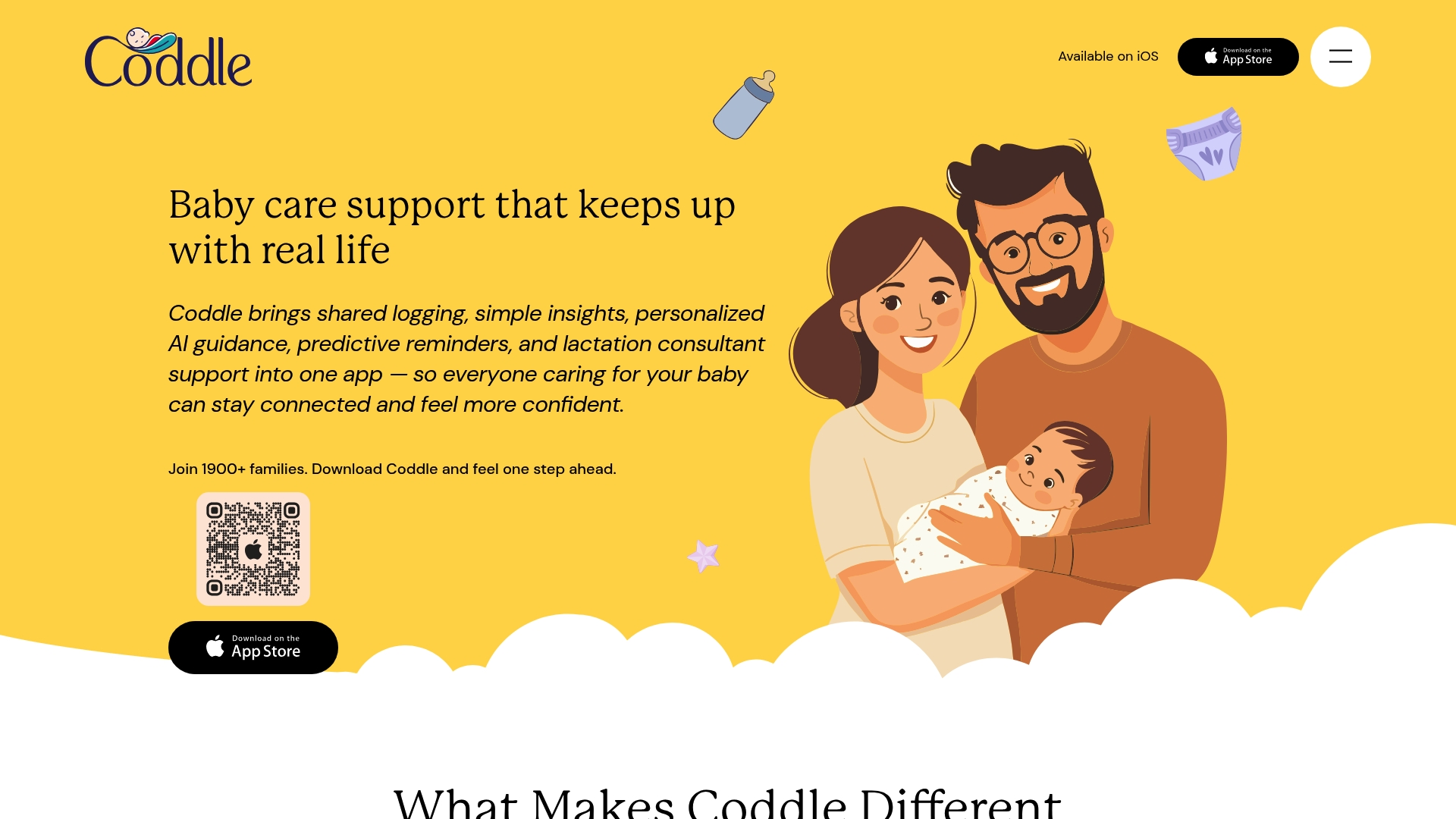
Effortless logging supports taps, voice, chat, photos, and widgets. Coddle summarizes history with weekly charts and pattern summaries. Predictive reminders help you plan feeding and sleep windows based on recent activity.
Core Features
Shared logging covers feeding, sleep, diapers, pumping, and growth while multiple caregivers stay synchronized. Personalized AI guidance uses your logs and your baby's age to suggest routine adjustments and highlight trends with weekly charts and pattern summaries. Predictive reminders and widgets aim to reduce late-night guesswork and help you plan ahead.
Key Differentiator
Coddle integrates AI driven guidance with direct lactation consultants and shared care features in one app. That mix turns raw logs into suggested next steps for everyday care while keeping partners and caregivers aligned on what happened and what to try next.
Pros
Logging is fast and flexible, so you can record a feeding by tapping, speaking, sending a photo, or using a widget. Shared care features mean partners and babysitters see the same timeline, which reduces duplicate notes and confusion about recent feeds or naps. Clear visual summaries and timely reminders help parents spot patterns and prep for feeding or sleep adjustments.
Cons
- Buyer reviews raise skepticism about the AI's reliability and accuracy.
- The app is not a substitute for professional medical advice for feeding or growth concerns.
- Some lactation support tools are still rolling out and are not yet available to all users.
When It May Not Fit
Do not pick Coddle if you need medical diagnosis or urgent clinical decisions. Parents who want passive device monitoring that automatically logs every event may find the app too reliant on manual entries. Families expecting immediate availability of every lactation feature should confirm rollout status before committing.
Who It's For
Parents and caregivers who want a single app for tracking, pattern summaries, and shared schedules will find Coddle useful. It fits people who prefer quick manual or voice logging and occasional expert help for feeding questions.
Real World Use Case
A new parent logs feeds and naps via the widget after late night sessions. The app shows a weekly chart and highlights a late nap trend. It then suggests shifting the nap window and offers a video option to consult a lactation specialist.
Website: https://coddle.ai
Comparison of alternatives
When evaluating the noteworthy options within the arena of sleep training applications, Mellow Kids offers a distinct approach. With its tailored resources that align closely with developmental milestones and no cost during its beta phase, the platform provides a family-centered solution for newborn to two-year-old care.
Features and functionality tailored to different approaches
Mellow Kids emphasizes early childhood developmental phases, offering parents evidence-based guidance paired with an intuitive tracker. In contrast:
- Huckleberry provides a blend of pediatric expertise with AI to dynamically adjust sleep plans in real-time, though this requires consistent user input for accuracy.
- Lovebug App excels in its use of advanced algorithms that evaluate multiple sleep metrics to flexibly adjust schedules with measurable insights.
Cost considerations vary by service scope
Affordability and access to services are another point of differentiation:
- Mellow Kids stands out with free access during its beta phase, making it an attractive gateway for parents new to structured planning.
- Parent Sense App offers features benefiting families with multiple or prematurely born children, though it relies on a tiered subscription model with no publicly available pricing breakdown.
- Napper presents a user-friendly approach for nap and nighttime scheduling for a yearly subscription fee.
Best fit
- Mellow Kids: Best suited for parents of infants and toddlers under the age of two seeking developmentally informed, personalized guidance combined with practical tracking tools at no cost during beta.
- Huckleberry: For caregivers wanting AI-powered sleep predictions and expert pediatric insights, enhancing convenience and peace of mind during milestones.
- Lovebug App: Fits well with those emphasizing data-driven adjustments alongside accessible educational videos demonstrating sleep training techniques.
- Parent Sense App: Accommodates multiple caregivers, children, or specialized needs, assisting families managing twin or premature births.
Our pick
Mellow Kids emerges as the most user-aligned option for parents of newborns and infants seeking targeted sleep and developmental guidance for children up to two years of age, backed by practical tracking tools. This choice is particularly compelling, as the platform is currently available for free during its beta phase. However, for those families requiring tailored solutions for older children, a competitor app like Parent Sense or Lovebug may present a better match.
Discover how leading baby sleep training apps provide unique and tailored approaches to help parents navigate their children’s sleep needs:
| Product | Key Feature | Best For | Pricing | Limitation |
|---|---|---|---|---|
| Mellow | Evidence-based, personalized guidance for ages 0–2 | Parents of infants needing stage-tailored help | Free during beta | Limited to children up to two years old |
| Huckleberry | AI-driven sleep scheduling with expert guidance | Multi-child families seeking specialized plans | Free tier, paid plans up to $9.99/mo | Requires regular logging for best result |
| Lovebug App | Data-driven adaptive schedules and expert videos | Families preferring measured adjustments | Free tier, paid plans up to $49.99/mo | Reliance on regular, consistent data logging |
| Napper | Nap schedules with integrated sleep sounds | Naps and night-wakings for infants | $69.99/year, 7-day free trial | Limited integrations for third-party tools |
| Parent Sense | Age-adjusted routines and milestone-based guidance | Parents with multiple or premature infants | Access via subscriptions | Limited privacy details available |
| Coddle | AI analysis with manual and voice input logging | Shared caregiver schedules and feeding help | Access via subscriptions | Lactation support tools in rollout phase |
What Are the Challenges of Finding the Best Sleep Training App for Your Infant or Toddler?
Many parents of newborns and infants face difficulty finding sleep advice tailored to their child’s precise age, temperament, and developmental stage. Generic sleep tips often leave you guessing rather than preparing for upcoming changes. Mellow offers targeted guidance designed specifically for children from birth to age two. It supports parents with evidence-based strategies that anticipate milestones and adjustments instead of just reacting after problems.
Mellow helps you track daily rhythms and make adjustments based on your child’s unique patterns. This proactive approach brings clarity during tough sleep regressions or transitions and builds confidence with clear steps adapted to your child’s stage.
Learn more about how Mellow supports infants and toddlers and start using personalized sleep schedules and practical tracking today.
Access expert-backed, stage-specific guidance with Mellow and create better sleep patterns for you and your child.
Try Mellow’s free beta and see how it prepares you ahead of your child's milestones to reduce stress and improve rest for your whole family.
FAQ
How does Mellow support personalized sleep training for infants?
Mellow generates personalized sleep schedules and strategies based on a child's age and temperament. The platform offers tracking tools along with age-specific sleep guides tailored for newborns and toddlers. Parents can expect expert-backed assistance at every stage of their child's early development to help streamline their sleep training efforts.
What is the difference between Huckleberry and Mellow?
Huckleberry combines pediatric sleep expertise with AI for tailored sleep plans and predictions. Mellow focuses specifically on personalized guidance linked to age and temperament of newborns and toddlers, making it ideal for parents who want proactive strategies as their children grow.
Can I use Lovebug if I want more video content for sleep training?
Lovebug includes bite-sized expert-led video lessons alongside its personalized sleep schedules. While Mellow provides written guides, Lovebug is better suited for families seeking integrated video content for visual learning. It might be worth considering if you prefer video resources as part of your training.
Does Parent Sense support tracking for multiple babies?
Yes, Parent Sense supports multiple births and offers age-specific routines and tracking across sleep, feeding, and development. Mellow primarily focuses on the 0–2 age spectrum, making Parent Sense a better option for parents managing multiple infants or unique situations like premature babies.
How does Mellow’s free beta access compare to other options?
Mellow offers free access during its beta phase, allowing parents to utilize its features without upfront costs. This contrasts with competitors like Huckleberry, which has a tiered subscription model, making Mellow a lower-commitment starting point for families exploring sleep training solutions.