
Trouble finding a baby sleep coaching app that actually addresses a family's evolving needs can disrupt routines and increase daily stress. Too many apps prioritize rigid schedules or block real coaching behind expensive plans, leaving parents with generic advice and little practical help. This comparison details pricing, coaching support, and access for six sleep coaching app alternatives, so parents can pick a match without wasted subscriptions.
Table of Contents
Mellow Kids
At a Glance
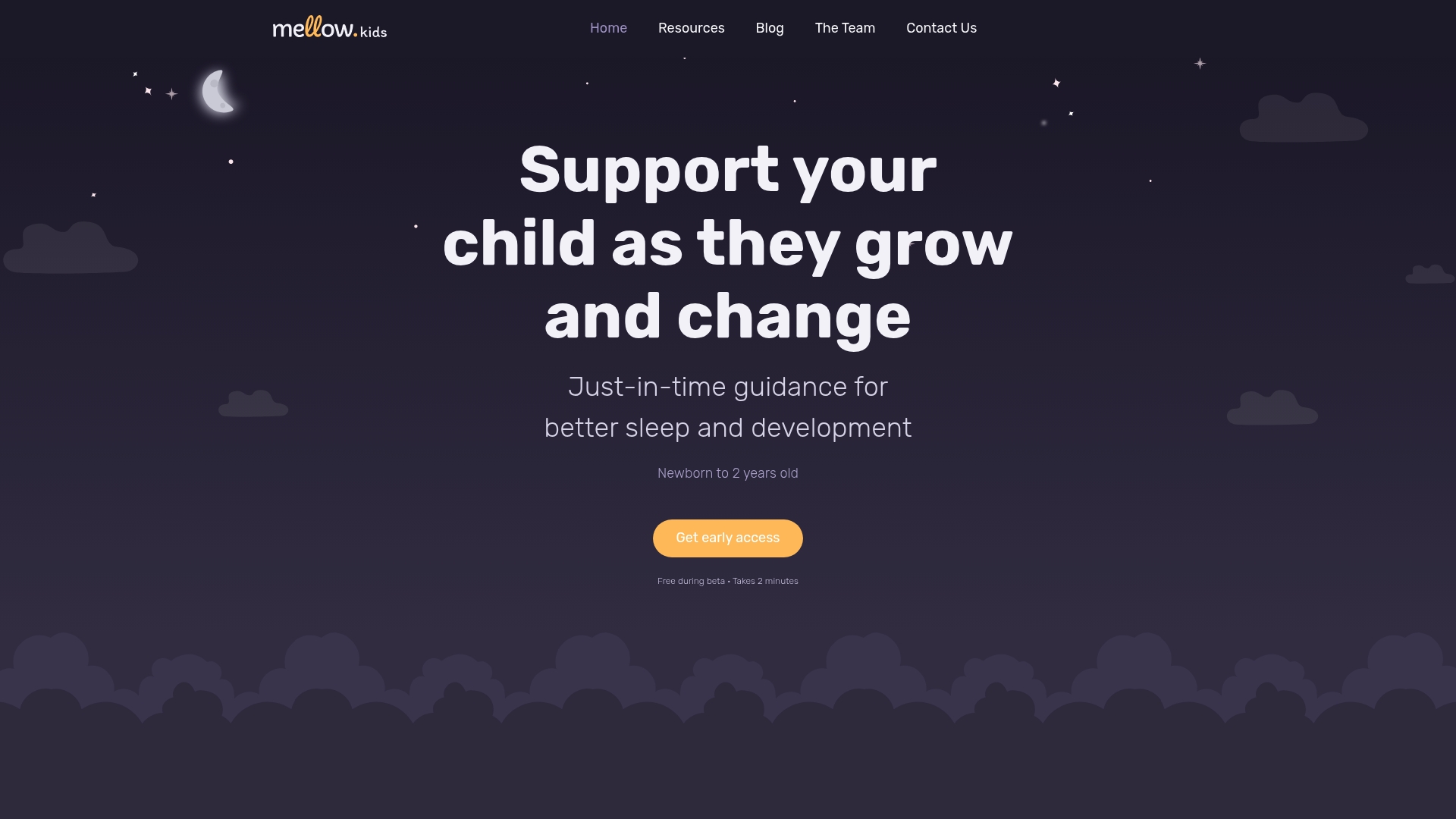
Free during its beta phase, which makes the platform low-risk for parents testing newborn routines. The vendor describes its guidance as evidence-based, and that claim appears throughout the materials. Mellow Kids focuses on children from newborn to two years and emphasizes preparing parents ahead of sleep and developmental shifts.
Core Features
Mellow Kids combines stage-specific guidance with simple member tools for day-to-day tracking of feeds and diapers. The community platform adds personalized sleep schedules informed by a child's age and an assessment of temperament. Curated sleep guides and gentle strategies sit alongside tracking to give parents a single place for routines and reference.
Key Differentiator
Mellow Kids centers its offering on personalized recommendations that adapt to a child’s age, temperament, and developmental stage. Those tailored cues aim to move parents from reactive fixes to planned adjustments before known shifts occur. The approach reduces guesswork about when to change a nap schedule or introduce new sleep cues. That emphasis on predictive, stage-aware support distinguishes the community from generic parenting threads.
Pros
The platform groups routine tracking and developmental guidance in one member space, so feeds, diapers, and sleep notes stay together. Its personalization makes suggestions that match a child’s current stage rather than a one-size-fits-all plan. The vendor describes the strategies as evidence-based, which suggests the guidance leans on established pediatric concepts. Mellow Kids also highlights a proactive stance, helping members anticipate upcoming sleep and emotional changes. Access is free while the service remains in beta, making it easy to try without a subscription.
Cons
- Limited information on technical integrations or third-party tools available to members
Who It's For
Parents of newborns through two-year-olds who want daily help with sleep and early development will get the most from this community. Caregivers who prefer stage-ahead planning and a single place to log routines will find the tools useful. Families seeking professional case management or advanced automation will likely outgrow the beta offering.
Unique Value Proposition
Free beta access plus a proactive, stage-ahead model means members can plan before common sleep and developmental transitions. That workflow reduces last-minute strategy changes and gives families time to try gentle adjustments. For busy caregivers, the combination of tracking and timed guidance turns a vague worry into a concrete next step.
Real World Use Case
A new parent logs feeds and naps for a six-week-old and completes the temperament assessment. The platform suggests a slight schedule shift timed for the next expected change and supplies a short sleep guide for that stage. The parent tests the change over a week and reports fewer nighttime wakeups and clearer daytime routines.
Website: https://mellow.kids
Huckleberry Care
At a Glance
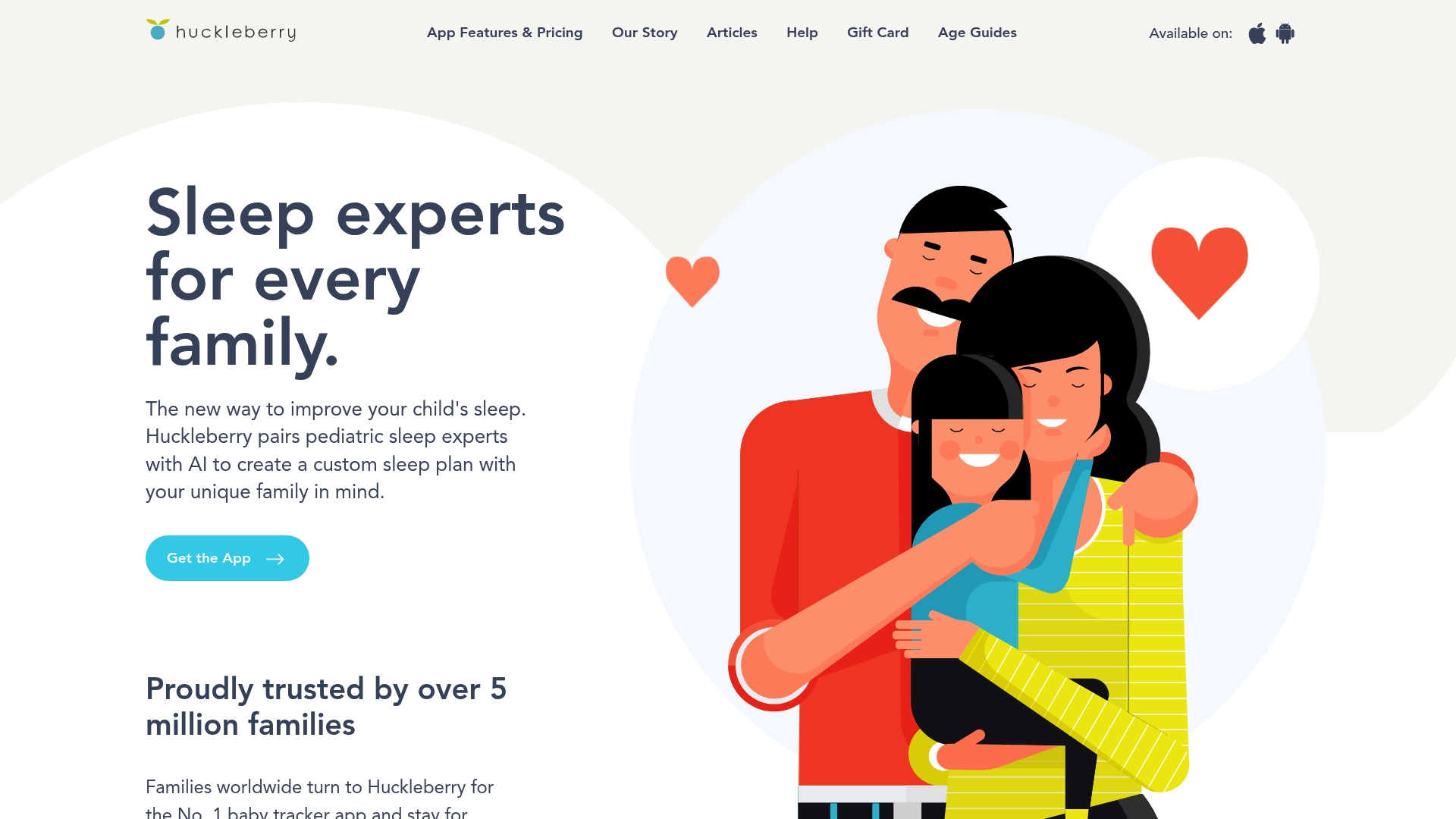
Huckleberry reports it is trusted by over 5 million families. The vendor also advertises a 4.9/5 app store rating from 68K reviews. The app pairs pediatric sleep expertise with predictive tools to give parents daily guidance on sleep, feeding, and routine planning.
Core Features
Huckleberry combines AI driven sleep and feeding predictions with customizable habit tracking that covers sleep, feeding schedules, diapers, growth, medication, and temperature. The app includes expert designed sleep plans, insights and reports for pattern recognition, and a Sleep Schedule Creator plus calendar views for forward looking routine planning. Those tools aim to turn logged day to day events into specific, actionable suggestions.
Key Differentiator
Huckleberry’s main angle is pairing pediatric expertise with predictive modeling to produce individualized plans and habit prompts. That mix of clinician input and forecasted wake windows sets it apart from simple trackers and positions the app as both a monitoring tool and a planning assistant for early childhood development.
Pros
The app is strong at nap and bedtime prediction, which helps parents build consistent routines and monitor wake windows effectively. The interface is clean and intuitive, making daily logging less time consuming and more reliable. Huckleberry turns repeated entries into readable insights and tailored plans, reducing guesswork for sleep and feeding decisions. The large reported user base and high reported rating give social proof for families seeking a tested tool.
Cons
- Subscription cost can be a barrier for families who need ongoing premium access.
- Data export options are limited, which can make sharing logs with pediatricians or moving records to another service cumbersome.
- Some users describe pressure from the app’s sleep goals or predictions, and that pressure can increase parental anxiety rather than relieve it.
When It May Not Fit
If you do not use a smartphone or prefer offline tools, this app will not serve you well because it requires internet access for full functionality. Families seeking a one time purchase or a free only solution may find the ongoing subscription model unsuitable for long term use.
Who It’s For
Parents and caregivers of newborns and infants who want a single app for tracking, short term planning, and tailored sleep guidance will find this product useful. It fits families that value pediatric informed suggestions and predictive prompts and who are willing to pay for continuous updates and expert input.
Real World Use Case
A family with a 3 month old logs sleep and feeding times each day and uses the app’s predictions to adjust nap timing. The app flags changing wake windows, suggests a revised bedtime, and shows trend reports so parents can test small routine changes and measure their effect on sleep quality.
Pricing
A free tier provides basic tracking. The Plus membership is $11.99/month billed annually and adds sleep predictions, insights, and enhanced logging. The Premium package is $14.99/month billed annually and includes customized sleep plans and expert guidance.
Website: https://huckleberrycare.com
Napper
At a Glance
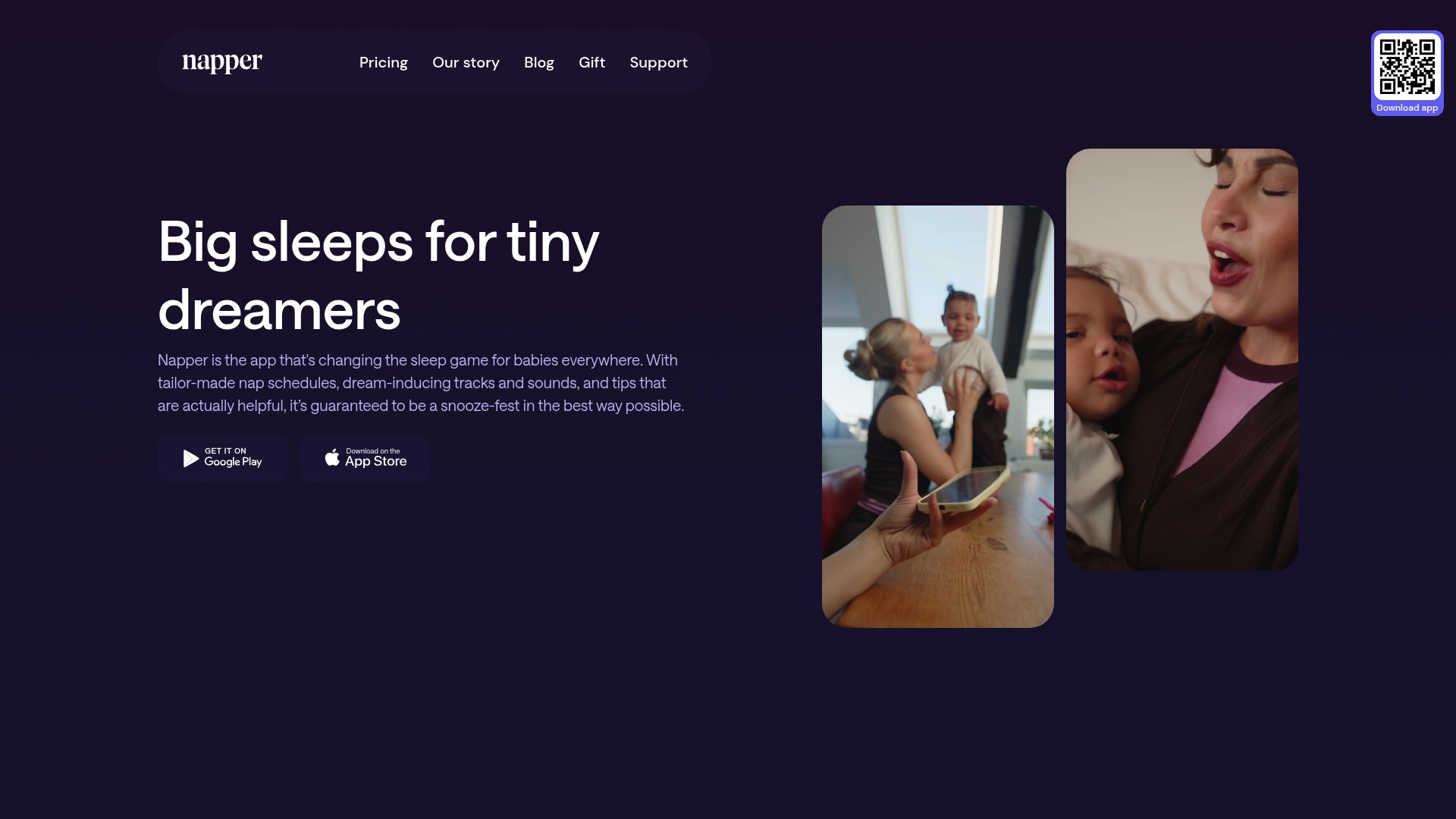
Napper reports a 4.9-star rating and more than 35,000 five-star reviews. The app also appears as an Apple Editors' Choice and App of the Day, and it offers a free seven-day trial. Napper sells an annual plan called Napper Unlimited for $69.99 per year.
Core Features
Napper generates tailor-made nap schedules that adapt to a baby’s age and observed patterns, and it combines those schedules with sleep tracking and statistical analysis. The app includes personalized tips parents can try and a large library of baby sleep sounds and white noise for settling sessions. It also tracks trends so parents can compare sleep categories and spot gradual changes.
Key Differentiator
Napper stands out for translating ongoing tracking and parent feedback into specific nap recommendations. That focus means schedules update as patterns change, which suits parents who want structure tied to data. It targets routine builders rather than parents who prefer flexible, cue-led approaches.
Pros
The app helps parents set consistent sleep windows and daily rhythms, which reduces guesswork about when a baby will nap or show sleep cues. The vendor states parents report measurable improvements in baby mood and sleep regularity after using the schedules and tips. Napper is easy to use and attractive, and its combination of tracking plus a sound library makes it practical for both at-home routines and caregiver handoffs.
Cons
-
Some parents say the recommended schedule feels too rigid. That complaint often comes from families who prefer to follow short-term cue changes.
-
The subscription cost may sit above what budget-conscious families want to spend. The annual fee is fixed and may not fit parents who prefer free tools.
-
Mixed user feedback exists on how well the app adapts during rapid developmental swings. In those cases, parents reported needing more manual adjustments.
When It May Not Fit
Parents who want a strictly cue-based method are likely to find Napper restrictive. The app also depends on consistent input to keep schedules accurate, so it is less useful when caregivers do not log sleep events regularly. Families on a tight budget may prefer free trackers or manual methods instead of an annual plan.
Who It's For
Napper fits parents of infants and young toddlers who want a predictable nap routine and clearer daily structure. It suits caregivers who will log sleep events and follow specific scheduling guidance. It also works for households that value a visual record of sleep trends and a library of settling sounds.
Real World Use Case
A parent of a six-month-old uses Napper to set nap windows and logs each nap. The app highlights a pattern of late afternoon catnaps, and the parent shifts the morning routine slightly to lengthen the main nap. Over several weeks the family gains more predictable daytime sleep and fewer abrupt awakenings.
Pricing
Napper offers a free seven-day trial with core features. The full plan costs $69.99 per year as Napper Unlimited, which includes unlimited tracking, personalized analysis, the sleep sound library, and trend reports.
Website: https://napper.app
Baby Connect
At a Glance
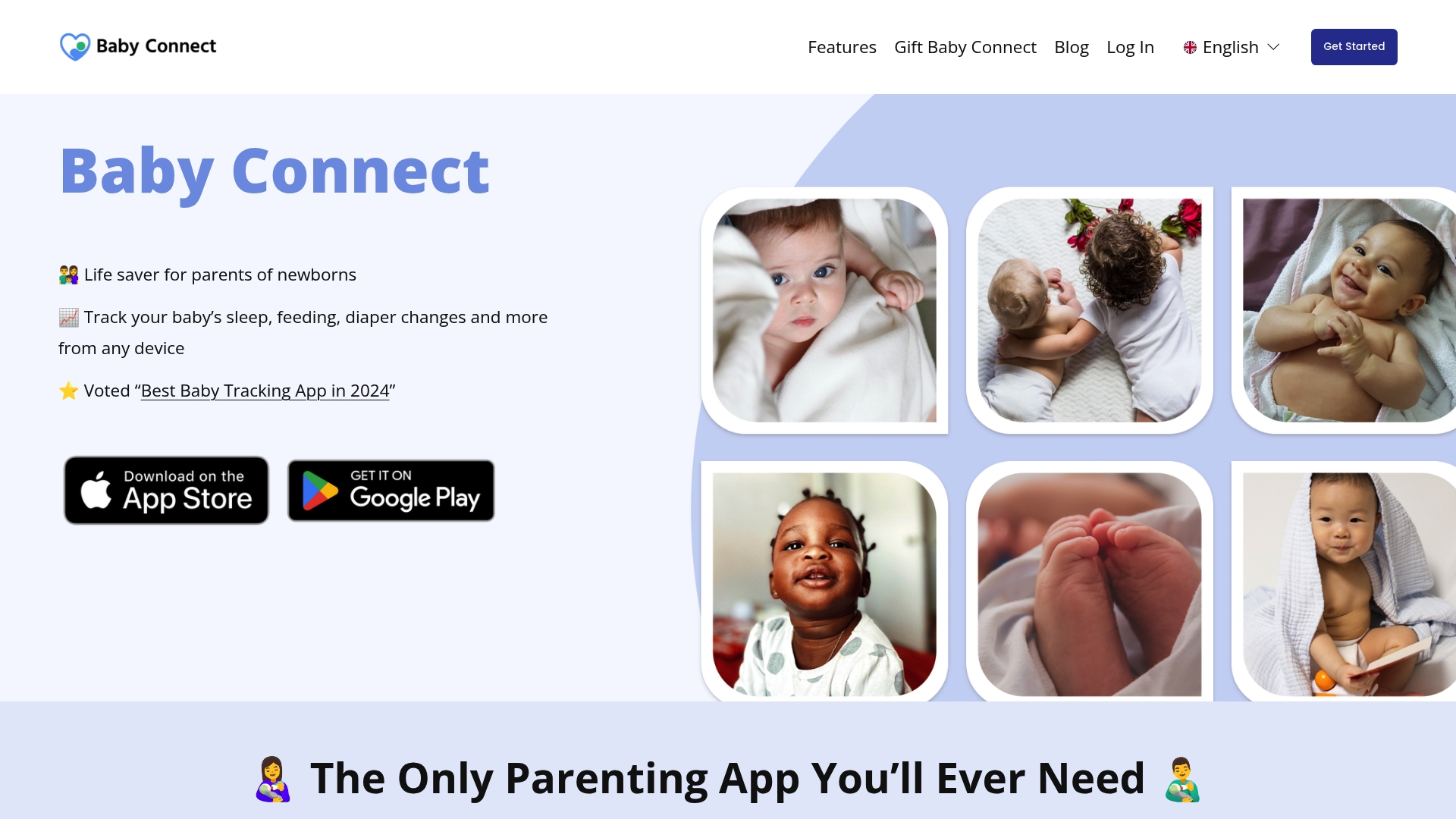
Baby Connect reports over a million users worldwide. The app focuses on synchronized logs for multiple children and multi-user access across phones, computers, and smartwatches. That combination makes it useful for families where parents and caregivers need shared, up-to-date records. The interface is known for being clean and easy to scan when you need fast updates.
Core Features
The app offers Sleep Tracking, feeding logs, diaper and potty tracking, milestone recording, and a medical record module for health and immunization notes. Those features join multi-child management and cross-device synchronization so different caregivers can view the same timeline and notes. Reporting and long term record-keeping help when you need to share details with a pediatrician.
Key Differentiator
Baby Connect stands out for its multi-user coordination for multiple children with synchronized logs across devices. That focus suits households with split caregiving responsibilities or rotating caregivers who must keep consistent records. The synchronization and multi-child view are the primary design choices that set it apart.
Pros
The app makes it straightforward to switch between children and view each child’s recent entries, which saves time at night or during handoffs. Multi-parent synchronization keeps partners and caregivers aligned on feedings, naps, and medications, and the interface works across phones, desktop browsers, and smartwatches. Detailed tracking for sleep, feeding, diapers, milestones, and medical notes supports clear record-keeping for appointments and developmental checkups.
Cons
- Multi-user access can experience technical glitches, which may disrupt data synchronization and app stability.
- Some features or deeper functions mentioned online are limited or not directly accessible in the app.
- The app lists little information about third-party integrations or advanced customization options.
When It May Not Fit
If you need flawless, real-time sync between many simultaneous users, occasional glitches could interrupt your workflow. Families who require advanced integrations with other platforms or custom reporting will find limited options. Teams that expect frequent feature expansion or deep customization may need a different solution.
Who It's For
Parents and caregivers of newborns and young children who need detailed logs shared across devices will get the most value. It fits co-parents, daycare providers, and nanny teams who require a single shared timeline. The app especially suits households managing multiple children where consistent record-keeping matters.
Real World Use Case
A couple parenting twins uses Baby Connect to track feedings, naps, diaper changes, and milestones across two phones. Each caregiver updates the same timeline so night shifts and daytime care remain consistent. The couple also prints summary reports for pediatric visits.
Pricing
Baby Connect lists pricing as "Not applicable — informational only." The product data does not provide tiered plans or a starting price. If cost details matter, check the vendor website or app store listings for current information.
Website: https://babyconnect.com
Lovebug
At a Glance
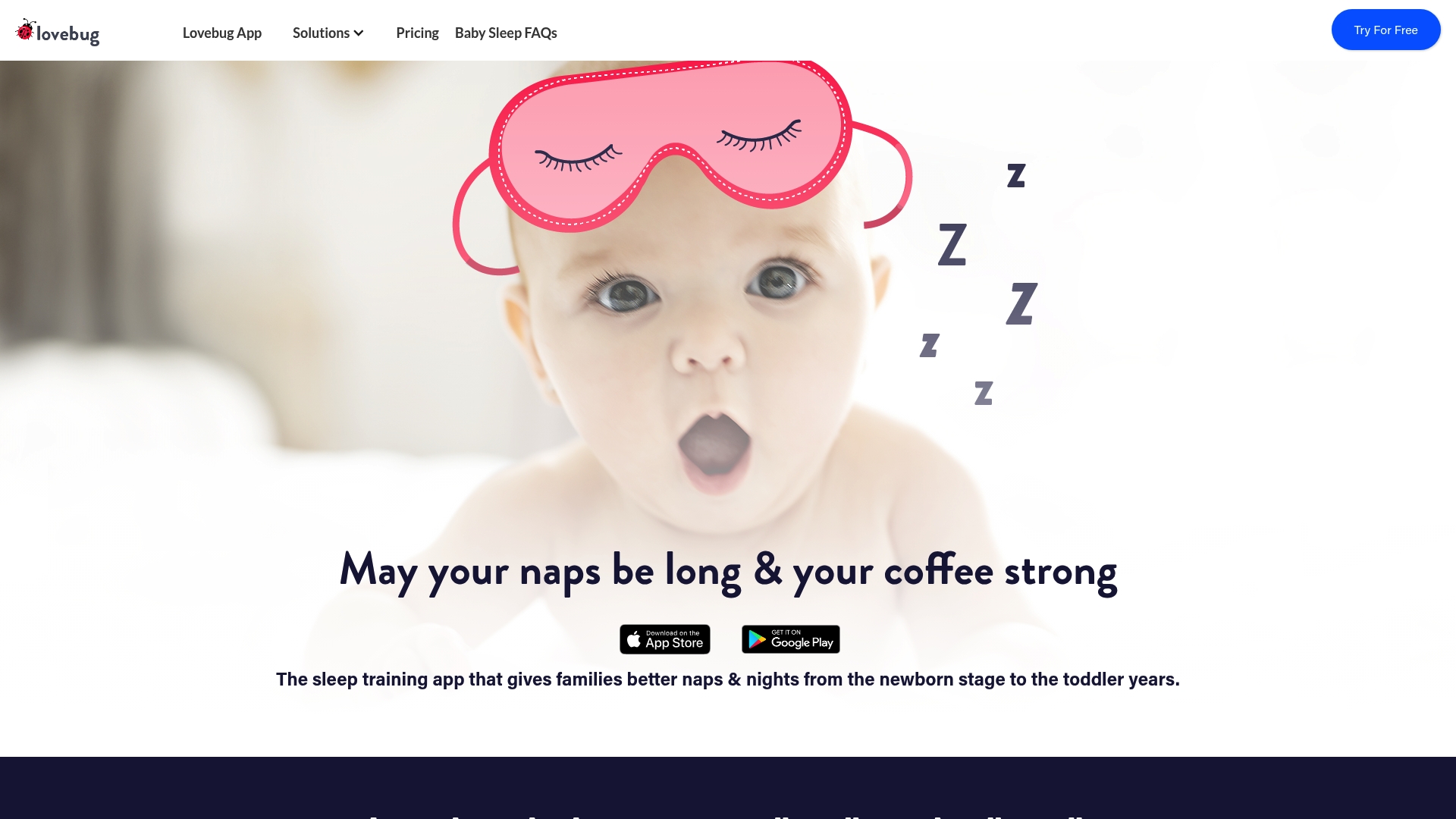
FSA and HSA eligible for applicable expenses, which can make professional sleep support more affordable for families using those accounts. Lovebug pairs personalized schedules with in-app lessons and optional live coaching to help with naps, nights, and regressions. The app runs on iOS and Android and offers a free tier plus paid plans.
Core Features
Lovebug creates personalized sleep schedules that evolve as your child grows and offers in-app educational lessons led by pediatric sleep experts. The app tracks sleep, feeds, diapers, health, and development while syncing guidance across multiple caregivers. It also delivers targeted help for nap and bedtime transitions and common regressions.
Key Differentiator
According to the company, Lovebug combines science-based sleep coaching with adaptive tracking and explicit support for an entire caregiving team. That mix makes it easier to keep a nanny, grandparents, and parents aligned on routines. The platform targets both self-guided parents and those who want paid, live coaching.
Pros
Lovebug offers highly personalized guidance and tools for syncing routines across family members, which reduces conflicting approaches and missed cues. The company advertises expert-led lessons and frequent app updates that adapt plans as children develop. Flexible subscription plans, including a free option, let families try the basics before paying for live coaching or all-access features.
Cons
-
Premium live coaching can be expensive for families who need ongoing one-on-one support.
-
The free web or basic plan restricts approach options, with some methods locked behind paid tiers.
-
Several features require add-on purchases or higher-tier subscriptions to access fully.
-
Parents who dislike app-based education or detailed tracking will likely struggle to get value from the product.
When It May Not Fit
If you prefer in-person consultation or a hands-off tracking approach, Lovebug may not be a good match. Families unwilling to log sleep and feeds regularly will not see the full benefits. Ongoing personalized coaching requires a paid plan and that expense can add up for long-term support.
Who It's For
Parents of newborns to toddlers who want a science-oriented, customizable sleep plan that the whole caregiving team can follow. It suits caregivers comfortable using an app to record routines and learn short lessons. Choose Lovebug when you want both self-guided tools and the option to pay for live expert help.
Real World Use Case
A parent logs a baby’s sleep and feeding patterns in Lovebug, reviews the app’s tailored schedule, and shares access with a nanny and grandparents. The shared tracking and consistent guidance reduce late-night guesswork and clarify who follows which routine. Over several weeks, the family reports steadier naps and fewer middle-of-the-night awakenings.
Pricing
A free version provides basic scheduling and tracking. Paid plans range from $9.99/month to $49.99/month for all-access support and live coaching options. Eligible expenses can be submitted to FSA or HSA accounts when allowed by your plan.
Website: https://getlovebug.com
Saykiri
At a Glance
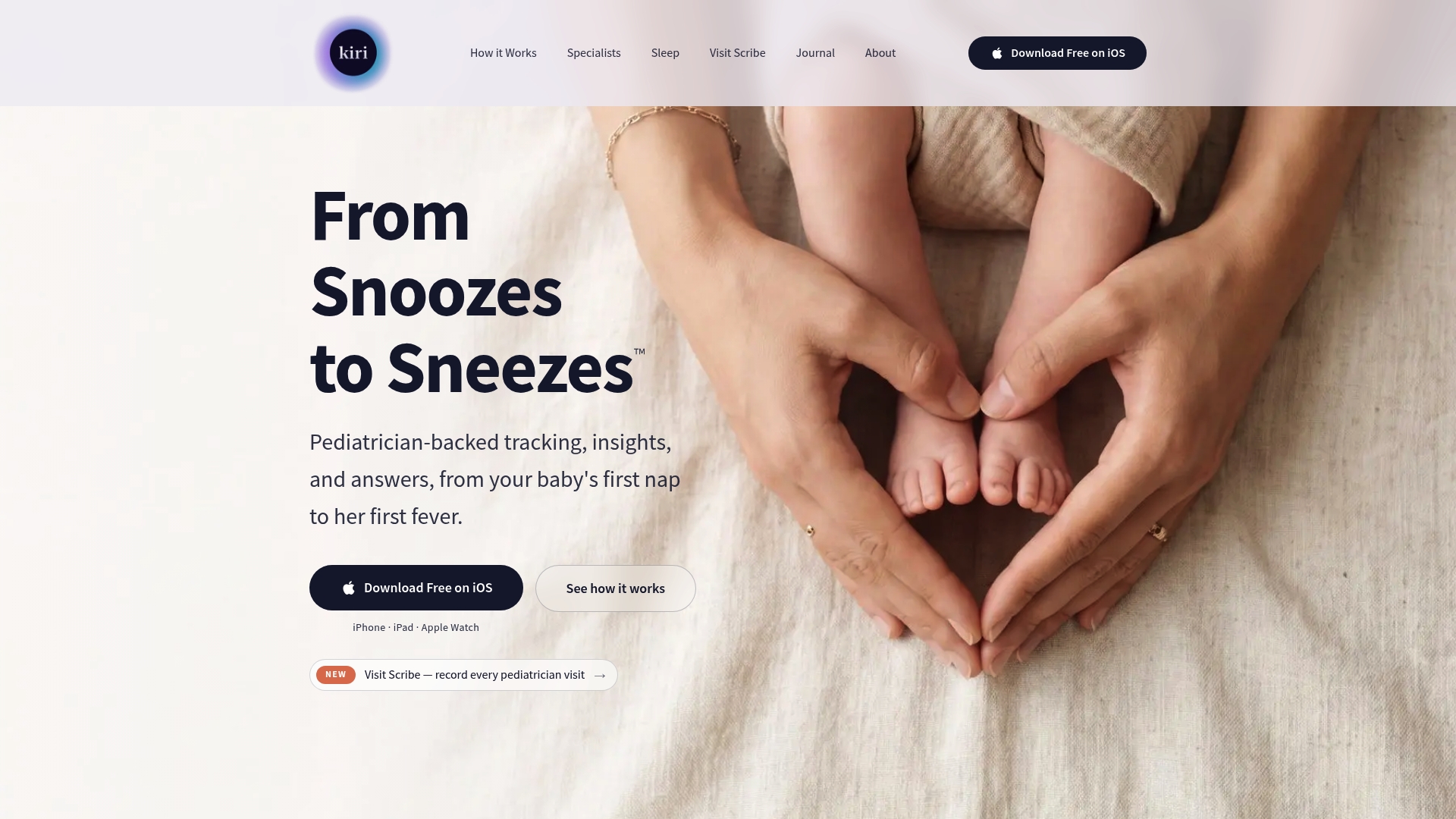
Saykiri's marketing materials state the app pairs clinician reviewed AI guidance with a HIPAA aligned architecture and offers full features free during launch. The app focuses on sleep, feeding, development, and health tracking from pregnancy through early childhood. That positioning aims to replace scattered advice with a single, privacy minded tool.
Core Features
According to the company, insights align with AAP, WHO, and CDC standards. Saykiri tracks sleep patterns, feeding, milestones, and symptoms while generating shareable health reports for pediatric visits. The app also provides personalized sleep and health plans such as NapGenius and DreamGenius, plus AI guided advice and access to pediatric professionals for tailored support.
Key Differentiator
That claim places clinician reviewed AI guidance and privacy first design at the center of the product. Saykiri emphasizes clinical oversight while keeping health summaries and logs private. During the launch phase the vendor highlights full feature access at no cost, which narrows its focus to families seeking expert backed support without an upfront fee.
Pros
Clinical oversight shows up in both content and workflows, giving parents guidance that references pediatric standards and clinician input. Advanced personalization delivers daily sleep scheduling suggestions and plan adjustments based on logged sleep and feeding. The privacy architecture and health report export make it practical for visits and record keeping, and the launch phase free access lowers the barrier to trying the full feature set.
Cons
- Only available on iOS at the moment. Android support is forthcoming, which limits access for many families.
- Younger in market with a smaller community compared with long standing competitors. Fewer third party integrations exist today.
- Some capabilities remain in refinement, so workflows and interfaces may change as the app matures.
When It May Not Fit
If you need immediate Android support or rely on a large community for peer advice, Saykiri may not match your priorities. Teams that depend on many third party integrations will find the current ecosystem thin. Families wanting a fully matured feature set and stable interface might prefer a more established app today.
Who It's For
Parents of infants and young children who want clinician backed sleep and health guidance and who prioritize data privacy will find Saykiri relevant. It fits caregivers who want integrated logging for sleep, feeding, and milestones and who prefer a single app that prepares concise reports for pediatric visits. It also appeals to families looking to try a full feature set without an initial fee.
Real World Use Case
A mother uses Kiri on her iPhone to log sleep and feeding. She receives daily schedule suggestions, monitors milestones, and exports a structured health summary before a pediatric visit. The shared report helps the clinician review trends quickly and saves the parent time during the appointment.
Website: https://saykiri.com
Comparison of alternatives
When evaluating newborn sleep apps, considering their ability to integrate sleep guidance with parent-friendly tracking tools highlights notable differences between the options available.
Personalization and adaptability
Mellow Kids offers unique features focused on individual child development, delivering personalized sleep recommendations based on age, temperament, and stages of development. This enables proactive planning, separating it from apps like Napper, which excels in routine adherence but lacks as much emphasis on predictive, preparatory guidance. While Huckleberry integrates AI-driven features predicting activity windows, Mellow Kids provides a distinctly human-centric design for nuanced caregiving.
Multi-caregiver coordination and tracking depth
Baby Connect prioritizes coordination among caregivers, offering synchronized logging across multiple users and devices. This functionality can be indispensable for families where day-to-day responsibilities are shared among various team members, a benefit less emphasized in Mellow Kids' singular-user-centric platform. Similarly, Lovebug’s integrated multi-caretaker orientation and compatibility with flexible payment methods create an accessible option for households with broad involvement in child-rearing.
Best fit
- Families proactively planning developmental transitions with stage-aware and personalized guidance will benefit the most from Mellow Kids.
- Parents seeking, AI-driven predictions for sleep schedules and environmental cues should explore Huckleberry for its predictive analytics and expert input.
- Households requiring shared documentation updated in real time across multiple caregivers will find Baby Connect addresses these coordination needs effectively.
- For parents needing customizable auditory sleep tools, Napper offers a detailed suite of sounds and tracking insights to manage nap schedules efficiently.
Our pick
Mellow Kids emerges as an exceptional choice for families desiring detailed developmental insights and guidance contextualized by a child’s age and temperament. Its unique anticipatory approach supports smoother transitions and informed care adjustments. However, for families merely seeking foundational tracking without the added advantage of staged developmental anticipation, other offerings may be preferable.
Evaluate the offerings of these newborn sleep apps to determine which platform aligns best with your needs.
| Product | Key features | Best for | Pricing | Notable limitation |
|---|---|---|---|---|
| Mellow | Personalized schedules, evidence-based guidance | Parents of newborns to toddlers | Free during beta | Limited technical integrations |
| Huckleberry Care | AI-driven predictions, pediatric-informed advice | Families needing advanced planning tools | From $11.99/month | Ongoing subscription may be costly |
| Napper | Tailored nap schedules, sleep sound library | Structured nap routines for toddlers | $69.99/year | Routine rigidity may not suit all families |
| Baby Connect | Multi-user synced logs, medical record module | Families managing multiple children | Price not published | Occasional data synchronization issues |
| Lovebug | Science-based guidance, live expert coaching | Collaborative caregiving teams | $0–$49.99/month | Key enhancements require premium subscription |
| Saykiri | Clinician-reviewed AI guidance, HIPAA compliant | Parents ensuring data privacy | Free during launch | iOS-only availability |
How Can Parents Find Better Sleep Support for Newborns and Toddlers?
Parents of newborns to two-year-olds often face uncertainty about when to adjust sleep routines. Many newborn sleep apps focus on tracking but fall short on preparing caregivers for upcoming developmental stages. Mellow addresses this challenge by offering proactive, evidence-based guidance that evolves with your child’s age and emotional needs. This approach helps reduce stress and early confusion by equipping you with clear, stage-specific strategies.
Mellow combines daily routine tracking with tailored insights, so you are ready for important sleep and development changes before they happen. Families looking for reliable support that moves beyond basic logging will find practical help here.
Explore Mellow Kids to experience guidance designed to ease your daily routine. Take the next step toward smoother nights by accessing a thoughtful system that helps parents plan ahead and nurture restful sleep.
FAQ
What personalized features does Mellow offer for tracking newborn sleep and routines?
Mellow generates personalized recommendations based on a child’s age and temperament. It combines stage-specific guidance with simple tracking tools for feeds and diapers, helping parents plan ahead for sleep transitions.
How does Huckleberry compare to Mellow in terms of sleep and feeding predictions?
Huckleberry pairs pediatric sleep expertise with predictive tools to give parents daily guidance on sleep and feeding. Mellow's strength lies in its stage-specific recommendations that adapt to the child's developmental needs, which may not suffice for families seeking ongoing professional input.
What makes Mellow's approach to newborn sleep different from other apps?
Mellow emphasizes proactive, stage-aware support, helping parents anticipate sleep and emotional changes before they happen. This contrasts with many other apps that may provide reactive guidance based on logged data.
Can I access Mellow for free during its beta phase?
Yes, Mellow is currently free during its beta phase, making it a low-risk option for parents looking to test its features. This allows families to explore the app's capabilities without any financial commitment.
Which app offers a better multi-user experience for tracking multiple children, Mellow or Baby Connect?
Baby Connect is designed for synchronized logs across multiple caregivers, making it ideal for families with shared responsibilities. In contrast, Mellow focuses on personalized guidance for a single child, which may not suit larger families needing extensive coordination.