
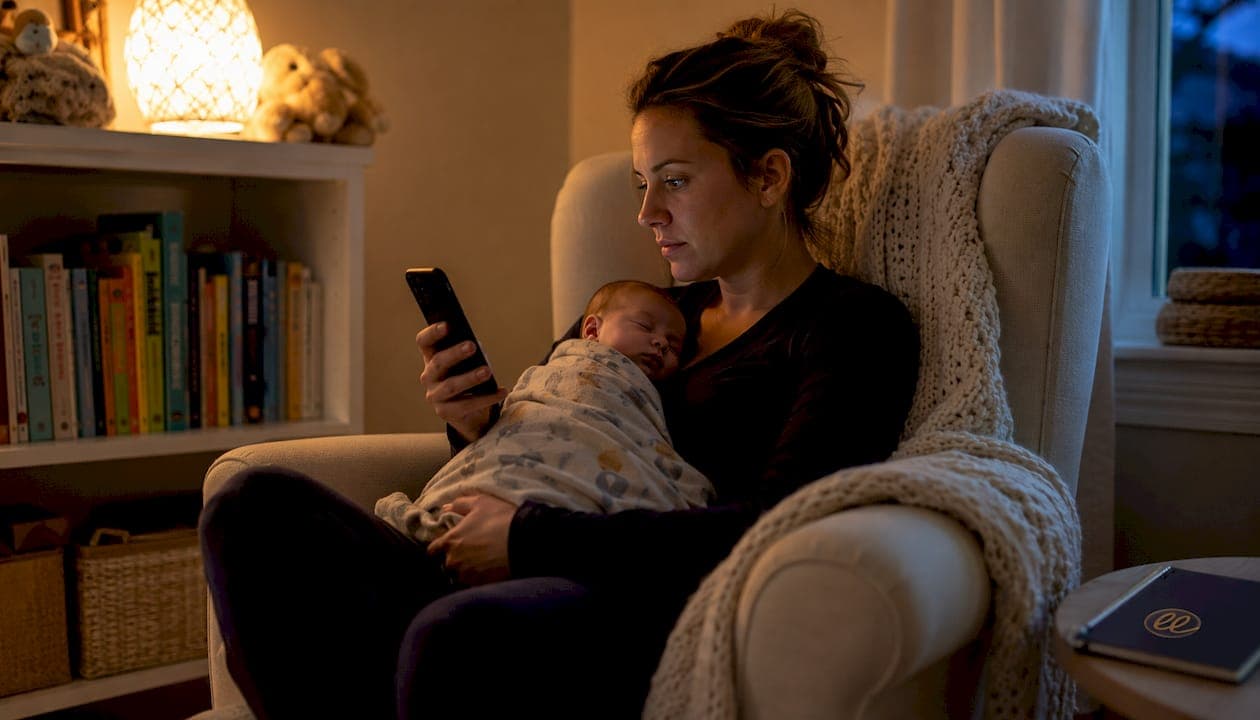
What is a wake window app and how does it help your baby sleep?
A wake window app is a digital tool that calculates the ideal amount of time your baby should stay awake between sleep periods, based on their age and the time they last woke up. These apps draw on pediatric sleep guidelines to generate personalized nap and bedtime windows, taking the guesswork out of one of the most exhausting parts of early parenthood.
The core idea is simple but powerful. Babies who stay awake too long become overtired, and overtired babies are notoriously hard to settle. A good wake window tracker catches that window before it closes, nudging you toward nap time at exactly the right moment.
Here is what a wake window app typically does for your family:
- Calculates age-appropriate awake times based on your baby's developmental stage
- Sends customizable reminders so you never miss a nap window
- Logs sleep history to reveal patterns over days and weeks
- Adjusts recommendations in real time as your baby's needs evolve
- Reduces overtiredness by keeping naps and bedtimes consistently timed
- Supports caregiver confidence by grounding decisions in sleep science rather than guesswork
For a deeper look at why sleep matters so much in these early months, Mellow's guide on the importance of baby sleep is worth bookmarking.
Table of Contents
- What core features should you expect in a baby sleep tracking app?
- How do these apps help you build a healthy sleep routine?
- What do user ratings and reviews say about popular sleep apps?
- How do you protect your family's privacy in a baby sleep app?
- How do popular wake window apps compare?
- How do you choose the right wake window app for your family?
- Tips for making a wake window app part of your daily routine
- Common challenges with wake window apps and how to work through them
- Mellow gives you more than a wake window tracker
- Key Takeaways
What core features should you expect in a baby sleep tracking app?
Not all sleep apps are built the same. The best ones go well beyond a simple timer, offering a suite of tools that grow alongside your baby.
- Instant wake window calculations tied to age and last wake time
- Customizable notifications that adapt to your baby's schedule as the day unfolds
- Sleep logs tracking duration, quality, and night wakings
- Feeding and diaper integration for a full picture of your baby's daily rhythm
- Expert content and sleep consultant access, usually behind a paid subscription
- Multi-caregiver sharing so partners, grandparents, and sitters stay in sync
- Trend charts that surface patterns you would never spot manually
Most modern baby sleep apps use a freemium model: basic wake window tracking is free, while real-time AI adjustments and certified sleep consultant access require a paid tier. Prices vary widely for premium plans.
One parent's experience with a leading sleep app: "One parent shared that their baby experienced much fewer night awakenings after using a leading sleep app. I never review apps but had to for this one."
User ratings for top-rated sleep trackers consistently highlight ease of use and accuracy as the two features parents value most. Customer support responsiveness, however, is where many apps fall short, so checking recent reviews before committing to a paid plan is always worth your time.
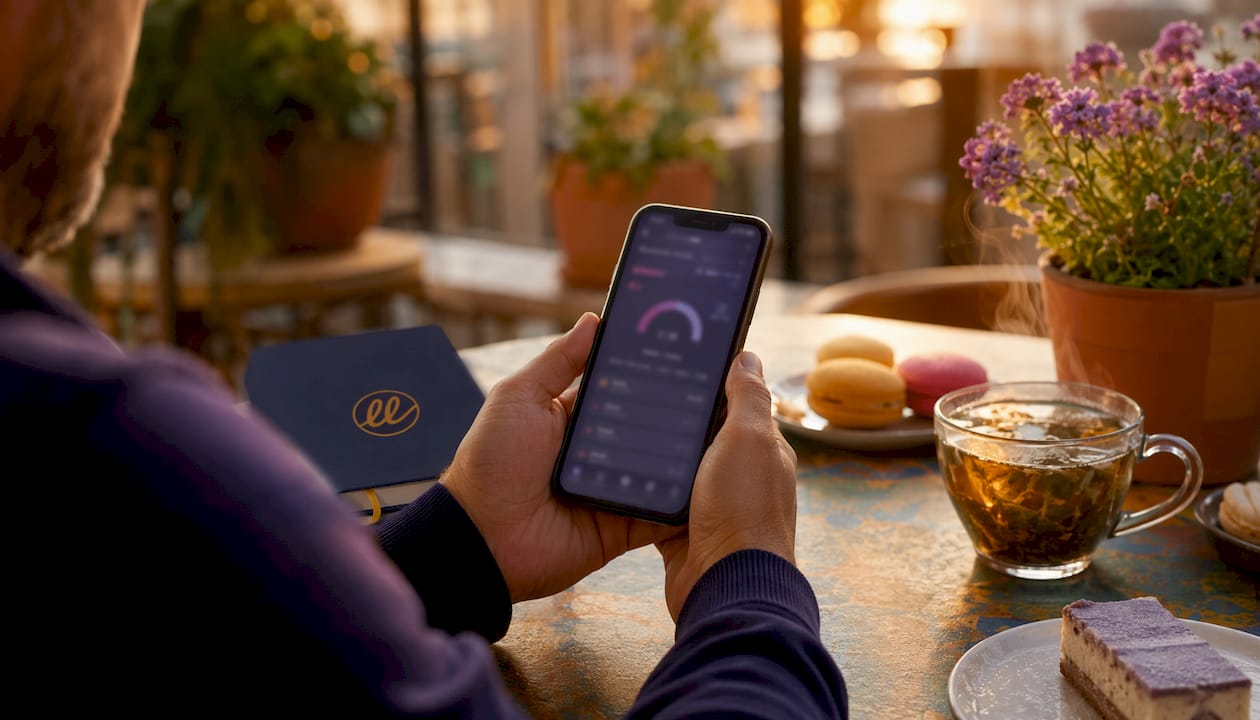
How do these apps help you build a healthy sleep routine?
The science behind wake windows is well-established. Wake windows lengthen predictably with age: newborns can only tolerate 45–60 minutes of wakefulness, 6-month-olds manage 2–3 hours, and by age 3 most children drop naps entirely and need an earlier bedtime to compensate. An app that tracks these shifts automatically means you are never working from an outdated schedule.
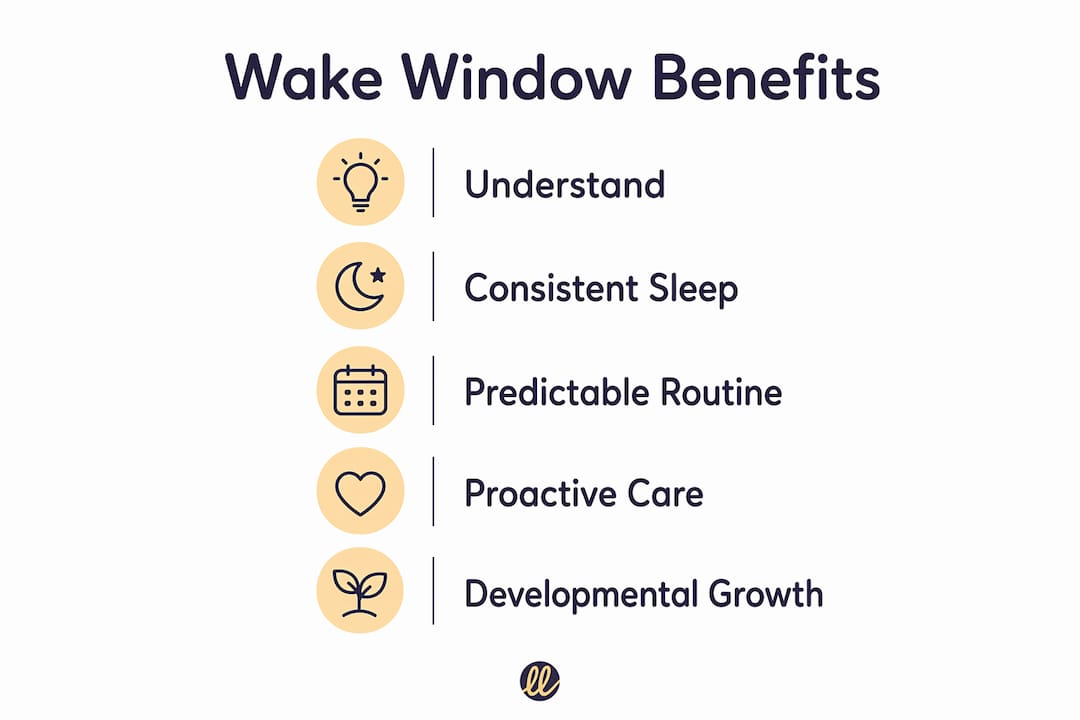
What makes app-guided routines particularly valuable is consistency. When reminders arrive at the same relative intervals each day, babies begin to anticipate sleep, which makes settling faster and night wakings less frequent. Research consistently links consistent sleep routines to better infant developmental outcomes and measurably lower parental stress.
Mellow takes this a step further with a proactive approach. Rather than reacting to sleep problems after they appear, Mellow prepares you ahead of developmental shifts, like the 4-month sleep regression or the transition from two naps to one, so you are never caught off guard.
Pro Tip: If your baby was born prematurely, always use their corrected age, not their birth age, when setting wake windows. A baby born 8 weeks early at 4 months old has the neurological maturity of a 2-month-old, and using corrected age prevents the overtiredness that comes from expecting too much too soon.
Mellow's age-specific guidance for babies 8 to 10 months is a good example of how targeted, stage-aware content makes a real difference during a period when wake windows are shifting quickly.
What do user ratings and reviews say about popular sleep apps?
Parents are vocal about what works and what does not. Across app stores, the most-reviewed baby sleep trackers share a few consistent patterns in their feedback.
| App | Avg. Rating | Key Praise | Common Criticism |
|---|---|---|---|
| Napper | — | Predictive accuracy, responsive support | Limited free tier |
| Smart Sleep Coach by Pampers | — | Personalized plans, real-time schedule | Expensive; slow to adapt |
| Wake Windows App | — | Simple interface, quick setup | Fewer advanced features |
| Mellow | — | Proactive milestone guidance, warm UX | Focused on infants and toddlers |
Napper, which reports over 100,000 families using the platform, earns particular praise for its predictive schedule and developer responsiveness. Parents frequently mention that the app's accuracy improves over time as it learns their baby's natural rhythms.
Transparency about updates matters too. Apps that publish clear changelogs and respond to user feedback in reviews tend to retain users far longer than those that go quiet after launch. Before downloading any sleep tracker, scroll to the most recent reviews and check the "last updated" date in the app store listing.
How do you protect your family's privacy in a baby sleep app?
Baby sleep apps collect sensitive data: feeding times, sleep patterns, your location, and sometimes your child's name and date of birth. That is a lot of personal information to hand over, and it deserves careful thought.
Privacy features worth looking for before you download:
- End-to-end data encryption for all stored and transmitted information
- Minimal data collection — the app should ask only for what it genuinely needs
- A clear, readable privacy policy that explains exactly what is shared and with whom
- User controls to delete your data or export it at any time
- No third-party advertising data sharing for a children's app
- Transparent subscription terms with no hidden auto-renewal clauses
Check the app's permissions in your phone's settings after installing. A sleep tracker that requests access to your contacts or microphone without a clear reason is a red flag. The App Store and Google Play both display privacy labels that summarize data collection practices before you download, and these are worth reading rather than skipping.
How do popular wake window apps compare?
Choosing between apps comes down to what you actually need day to day. Here is an honest look at how the main options stack up.

Napper is the strongest choice for parents who want predictive scheduling. Its algorithm learns your baby's natural rhythms and gets more accurate over time. The free version is limited, but the paid tier is competitively priced and includes a solid library of sleep science articles.
Smart Sleep Coach by Pampers suits parents who want a structured sleep training plan alongside their wake window tracking. The personalized 24-hour schedule updates in real time, which is genuinely useful during the newborn phase when everything changes daily. Some users note that the schedule does not always adapt as quickly as advertised, and the app has a higher price point.
Wake Windows App keeps things simple. If you want a clean, no-frills tracker that calculates windows and sends reminders without overwhelming you with features, this one delivers. It is not the right fit for parents who want sleep consultant access or detailed trend analysis.
Mellow occupies a different space. It is not just a tracker; it is a full developmental guidance platform covering sleep, feeding, emotional milestones, and temperament from newborn through 24 months. The sleep tools are embedded in a broader context that helps you understand why your baby is behaving a certain way, not just when to put them down for a nap.
How do you choose the right wake window app for your family?
Start with your baby's age. Apps built for newborns prioritize frequent, short wake windows and simple logging. Apps designed for older babies and toddlers tend to emphasize schedule flexibility, nap transitions, and bedtime optimization. Mellow's dedicated guidance for toddlers 15–24 months is a good example of stage-specific depth that generic trackers rarely match.
Then consider your own needs as a caregiver. If you co-parent or share care with a sitter, multi-user access is non-negotiable. If you are navigating a sleep regression or a nap transition, expert content and proactive alerts matter more than a pretty interface. And if budget is a concern, start with a free tier and upgrade only if you find yourself hitting its limits regularly.
A few practical questions to guide your decision:
- Does the app use your baby's actual age or corrected age for premature infants?
- Can multiple caregivers access the same account simultaneously?
- Does the app explain why it recommends a particular window, or just tell you when?
- How recent is the last app update, and does the developer respond to reviews?
Tips for making a wake window app part of your daily routine
The app only works if you actually use it consistently. A few habits make that much easier.
Log wake times immediately, not from memory an hour later. Even a two-minute delay in recording can skew the next window calculation. Most apps let you tap a single button the moment your baby opens their eyes, so keep your phone close during naps.
Use the reminder notifications rather than relying on your own sense of time. Sleep deprivation affects time perception more than most parents realize, and a gentle alert 10 minutes before the window closes gives you time to start a wind-down routine without rushing. Pairing these reminders with a consistent bedtime routine amplifies the benefit significantly.
Review the weekly trend charts when you have a quiet moment. Patterns that are invisible day to day, like a consistently short third nap or a predictable early morning waking, become obvious when you see a week of data laid out visually. That is when you can make a meaningful adjustment rather than just reacting to each bad night in isolation.
Common challenges with wake window apps and how to work through them
The app's recommendation doesn't match your baby's cues. This happens, especially during growth spurts or illness. The app is a starting point, not a rule. If your baby is showing clear tired signs 20 minutes before the suggested window closes, put them down. Sleep cues always take priority over the clock.
You forget to log consistently. Gaps in the data make the app's predictions less accurate. If manual logging feels like too much, look for apps with Apple Health or Google Fit integration, which can sometimes capture sleep data passively. Alternatively, set a recurring phone alarm as a logging prompt until the habit sticks.
The schedule stops working after a developmental leap. This is normal. Sleep regressions at 4 months, 8 months, and around 18 months temporarily disrupt even the most consistent routines. When this happens, resist the urge to abandon the app. Instead, use it to track the disruption and identify when the new pattern stabilizes, which it will.
Multiple caregivers use different apps or no app at all. Inconsistency across caregivers is one of the most common reasons sleep training stalls. Agree on a single app, share the account, and make logging a household norm rather than one person's responsibility.
Mellow gives you more than a wake window tracker
Most wake window apps tell you when to put your baby down. Mellow tells you why your baby is struggling to sleep in the first place, and what to do about it before the next developmental shift arrives.
Mellow is built for parents of newborns through 2-year-olds, covering sleep schedules, temperament, feeding, and emotional milestones in one place. The guidance adapts to your child's specific age and stage, so you are always working with information that is actually relevant to where your baby is right now, not generic advice written for every baby at once.
If your child is approaching a nap transition or heading into the toddler years, Mellow's 15–24 month guidance walks you through exactly what to expect and how to adjust. For families managing the 8–10 month window, when wake times are lengthening and schedules are shifting fast, the 8–10 month resource offers the same stage-specific depth.
Download Mellow at mellow.kids and get guidance that grows with your child.
Key Takeaways
A wake window app works best when it combines age-calibrated calculations, consistent caregiver use, and proactive guidance that anticipates developmental changes rather than reacting to them.
| Point | Details |
|---|---|
| Wake windows shift with age | Newborns manage 45–60 minutes awake; 6-month-olds handle 2–3 hours; toddlers eventually drop naps entirely. |
| Corrected age matters | Premature babies need wake windows based on corrected age to avoid overtiredness and sleep disruption. |
| Consistency drives results | Logging wake times immediately and using reminder notifications produces more accurate schedule recommendations over time. |
| Privacy deserves attention | Look for encrypted data storage, minimal collection, and a clear privacy policy before sharing your family's information. |
| Mellow goes beyond tracking | Mellow offers proactive, stage-specific guidance from newborn to 24 months, covering sleep, milestones, and development in one place. |